

http://www.enchgallery.com/index.htm
Technical description about how our Lichtenberg Figure Sculptures (or beam trees) are created Other interesting properties: fluorescence, solarization, birefringence, and discharge-free zone When acrylic is irradiated by high-energy electrons, it glows a brilliant blue-white color. Radiation chemistry studies suggest that this is mainly due to luminescence that peaks at a wavelength of about 435 nm. However, acrylic also generates fainter glows from x-ray fluorescence , and Cherenkov radiation . The exact light-producing mechanisms for electron-irradiated PMMA are not fully understood.
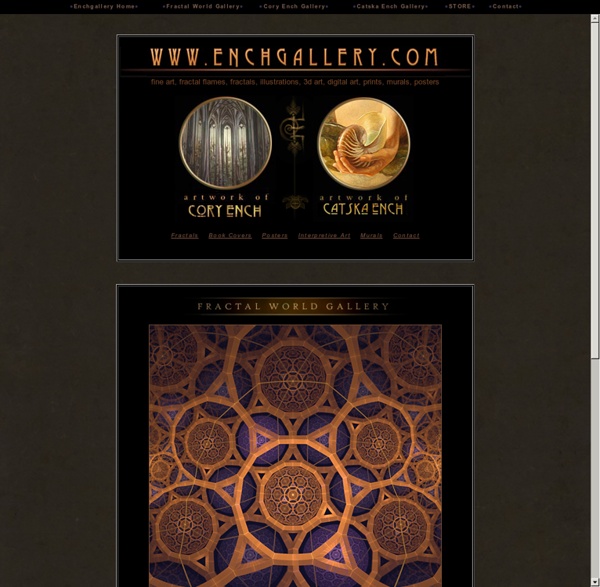
Fractal World Gallery Thumbnails : cosmic recursive fractal flames or flame fractals Fractal World Gallery contains a collection of Pure flame fractals, fractal flame composites, fractals, etc: established 1998 Flame Fractals date from 1998 to the Present. by Cory Ench © 2007 Images from this gallery may only be used with artist's permission Fractal software includes Frax Flame and Apophysis for cosmic recursive fractal flames. FAQ I CONTACT I DONATE More artwork by Cory Ench at www.enchgallery.com 120 images in room 1 click on the thumbnails for larger image size 168 images in room 7 120 images in room 6 120 images in room 5 120 images in room 4 120 images in room 3 132 images in room 2 120 images in room 1 Most Popular TV Shows Welcome to the Super Sentai guide at TV.com. Since 1975, the Super Sentai series has become a staple in Japanese society. Super Sentai was used as the source material for what is known in America as Power Rangers starting in 1992 with ZyuRanger and currently up to Zyuden Sentai Kyoryuger. Gokaiger marked the 35th anniversary of Super Sentai in Japan. The following is a full list of past and present Sentai seasons:
3D fractal explorer Cream of the Crop Page ArtistsAnimations Copyright 2011 Mandelbulber. All rights reserved. loading Meaning of Lotus Flowers The Egyptians used the lotus to symbolize the sun and rebirth and it was also a symbol of Upper Egypt. There are three creation legends that share similarities, in which the lotus’s symbolism is expressed. In one creation legend, the sun rose out of a lotus that had grown from a watery chaos. The next legend, which originated from Heliopolis, states that from the infinite ocean Nun, a lotus rose along with dirt mound. The lotus bloomed revealing the sun-god Atum.
Fine Art America Tour - Fine Art America Tour FineArtAmerica.com is a online marketplace designed to help you transform your digital images into a flourishing online business. Simply open a free account, upload your images, set your prices for the available print sizes, and you're in business... instantly. You can immediately start selling fine art prints and greeting cards to a worldwide audience of art collectors. Each month, more than 5 million visitors stop by FAA to browse and purchase artwork. When one of these visitors purchases your prints or greeting cards, we take care of everything for you, including: printing, framing, matting, stretching, packaging, shipping, insuring, processing the buyer's payment, and sending you your profits each month!
The Mountain Rose Blog – Kraut and Kimchi: Fermenting in the Herbal Kitchen Don’t let a big word like “fermentation” intimidate you…it is easier than you might think! If you can chop and stir, you can create delicious, healthy and amazing fermented vegetables–right in your own kitchen! You do not need fancy crocks and equipment (although a good crock is a delight) and you can use all sorts of vegetables, spices, and salts – there is no one right recipe! We love to use dill, cumin, coriander, fennel seed, celery seed, pickling spice, red chili flakes, peppercorns, cloves, juniper berries, fenugreek, bay leaves, garlic, onion, rosemary, and so much more! Fermentation is technically the anaerobic conversion of sugar to carbon dioxide and alcohol by yeast. You may have heard that fermented foods are good for you and it’s true; fermenting can make foods more nutritious and digestible, as well as add helpful bacteria and organisms to your digestive process.
Must Watch: Russell Brand Destroys Everything We’re Being Told Russell Brand has recently burst onto the activist and consciousness scene with his interview on BBC a few months ago. Since then, he has been speaking out against many of the injustices that have been plaguing the world from wealth inequality to political corruption. Many people who are pop-culture followers have little-to-no knowledge about the many problems the world faces; which is why it’s so important for celebrities to leave the dark side and help us make the world a better place. From Matt Damon to Rob Schneider, these celebrities help us reach new audiences with the message of truth and freedom and for that, we thank them. It’s cool to see mainstream celebrities use the platforms they have been given to awaken the minds of humanity. There truly is a spiritual and political revolution going on right now.