
Complete List of Web Accessibility Evaluation Tools. Contrast Analyser for Windows and Mac. About the Colour Contrast Analyser This native application (available for both Windows and Mac) allows you to evaluate the color visibility and contrast of foreground/background color combinations.
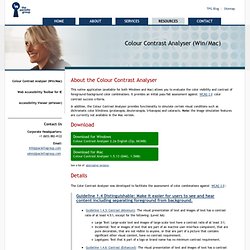
It provides an initial pass/fail assessment against WCAG 2.0 color contrast success criteria. In addition, the Colour Contrast Analyser provides functionality to simulate certain visual conditions such as dichromatic color blindness (protanopia, deuteranopia, tritanopia) and cataracts. Note: the image simulation features are currently not available in the Mac version. Details. FAE: Run FAE. Web Accessibility Checker : Stanford Online Accessibility Program. Accessibility Color Wheel. Web Design References: Accessibility. (Skip Page Index) Page Index: Abbreviations & Acronyms Accessibility Statements Accesskeys Assistive Technology Benefits (Why accessibility?)
Colour Contrast Check - snook.ca. Date created: January 11, 2005 Date last modified: March 30, 2009 The Colour Contrast Check Tool allows to specify a foreground and a background colour and determine if they provide enough of a contrast "when viewed by someone having color deficits or when viewed on a black and white screen"[W3C]. The tool will indicate that the colours pass the test if both the colour difference and the brightness difference exceed their threshold. WAEX: Web Accessibility Evaluator in a single XSLT file.
Accessibility tools, web developer tools, wizards and markup generators. WAVE - Web Accessibility Evaluation Tool. Welcome to the HiSoftware Cynthia Says Portal.