
Vischeck: Home. CSS Analyser. Contents Translations Spanish Version About this Service This service has been provided to allow you to check the validity of your CSS against the W3C's validation service, along with a colour contrast test, and a test to ensure that relevant sizes are specified in relative units of measurement.
If the CSS is specified by a URL, it will be loaded into the text area to offer an option to make changes for testing without having to re-upload. Articles. IDI Web Accessibility Checker : Web Accessibility Checker. Tools to Download - Resources - Vision Australia Website. Looking for a rewarding career?

Work with people who are blind or have low vision to achieve their mobility goals. Apply now for the Graduate Diploma of Orientation and Mobility 2014.To course information Seeing Eye Dogs new facility opens Our new state-of-the-art kennel and puppy centre has now opened. To SEDA launch Do you need accessibility services? Our extensive website testing, training and development experience, plus our commitment to the needs of people with all types of accessible information requirements.To digital access Let our vision help achieve your visionVision Australia Employment Services provides employers with skilled candidates and tailored employment solutions to meet their individual business needs.To employment services Do you have a child with low vision?
IETester Download. Luminosity Colour Contrast Ratio Analyser. Colour Contrast The old Accessibility Evaluation and Repair Tools (AERT) suggested algorithm for determining colour contrast now directs here.
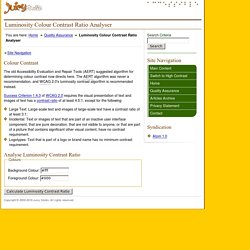
The AERT algorithm was never a recommendation, and WCAG 2.0's luminosity contrast algorithm is recommended instead. Success Criterion 1.4.3 of WCAG 2.0 requires the visual presentation of text and images of text has a contrast ratio of at least 4.5:1, except for the following: Colour Contrast Check - snook.ca. WAVE - Web Accessibility Evaluation Tool.