
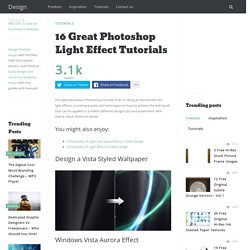
Designshard. I’ve selected various Photoshop tutorials that I’m liking at the moment for light effects, some have quite cool techniques on how to achieve the end result that can be applied to a million different designs (try and experiment with them), check them out below.
You might also enjoy: Design a Vista Styled Wallpaper Windows Vista Aurora Effect Design a Vibrant Blackberry Inspired Ad. Ultimate Roundup of 750+ Free Photoshop Layer Styles. Tutorial:a picture worth 1000 words. I love Photoshop techniques that offer all kinds of possibilities for experimentation—and the following tutorial is a perfect example of one of those techniques.
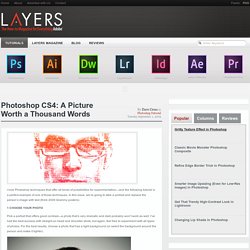
In this issue, we’re going to take a portrait and replace the person’s image with text (think 2009 Grammy posters). Pick a portrait that offers good contrast—a photo that’s very dramatic and dark probably won’t work as well. I’ve had the best success with straight-on head and shoulder shots, but again, feel free to experiment with all types of photos. For the best results, choose a photo that has a light background (or select the background around the person and make it lighter).
Create a new document (File>New) in a size that’s smaller than your photo: the specifics don’t really matter.