
"The Good, the Bad, and the Ugly": A Fantastic AAC App Spreadsheet. Hands On Letters and Numbers with Doodle Buddy. When I first began learning to write my letters and numbers, I must have gone through an entire tree worth of paper as I practiced tracing and then writing them on my own.
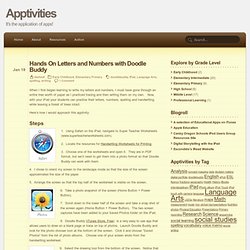
Now, with your iPad your students can practice their letters, numbers, spelling and handwriting while leaving a forest of trees intact. Here’s how I would approach this apptivity: Safari 1. Using Safari on the iPad, navigate to Super Teacher Worksheets (www.superteacherworksheets.com). iPad Apps for Kids with Special Needs.