
12 Screencasting Tools For Creating Video Tutorials. Ever wondered how people show you so clearly what is happening on their computer, like in the Photoshop Video Tutorials we shared with you?
Thanks to screencasting software, anyone can do it. So what's stopping you now from making your own how-to videos? Screencasting. CamStudio - Free Screen Recording Software. Record screen activity real time capture desktop video screen recorder software. Record screen activities in real-time to quickly and easily create your own screencasts, demos, tutorials, software simulations and videos for the Internet without any programming language necessary.
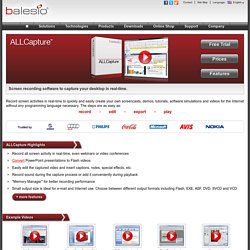
The steps are as easy as: record edit export play ALLCapture Highlights Record all screen activity in real-time, even webinars or video conferences Convert PowerPoint presentations to Flash videos Easily edit the captured video and insert captions, notes, special effects, etc. Record sound during the capture process or add it conveniently during playback "Memory Manager" for better recording performance Small output size is ideal for e-mail and Internet use.