background preloader

Computers

Facebook Twitter

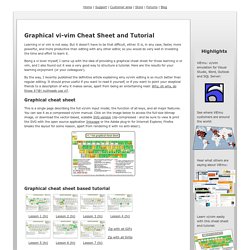
Apprentice Alf's Blog. Graphical vi/vim Cheat Sheet and Tutorial. Learning vi or vim is not easy. But it doesn't have to be that difficult, either. It is, in any case, faster, more powerful, and more productive than editing with any other editor, so you would do very well in investing the time and effort to learn it. Being a vi lover myself, I came up with the idea of providing a graphical cheat sheet for those learning vi or vim, and I also found out it was a very good way to structure a tutorial. Here are the results for your learning enjoyment (or your colleagues'). By the way, I recently published the definitive article explaining why vi/vim editing is so much better than regular editing. Graphical cheat sheet This is a single page describing the full vi/vim input model, the function of all keys, and all major features. Graphical cheat sheet based tutorial The tutorial above is structured in 7 lessons that cover the major commands in vi/vim.
Notes With the single exception of the external filter feature ("! ") Relevant links Why, oh why, do those #?

Mouse

Web. Ksh. KuroBox.com - A user operated community. Studio 12: Debugging a Program With dbx. Perl 5.8.8 documentation. Javascript.