
Using vi, the Unix Visual Editor. Description You will learn to use vi, the full screen editor found on nearly all Unix systems.

Basic commands are covered, including those that enable you to insert, delete, change, replace, and copy text, and to move around within and between files. In addition, you will learn how to set editing options for your files, temporarily or permanently, globally or locally. What You Will Learn You will learn (1) how to start and end vi edit sessions, (2) how to move around in a file, (3) how to enter new text, (4) how to modify, move, and delete old text, and (5) how to read from and write to files other than the one you are editing.
Learn UNIX in 10 minutes. UNIX / Linux Tutorial for Beginners. A beginners guide to the Unix and Linux operating system.
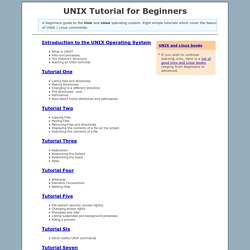
Eight simple tutorials which cover the basics of UNIX / Linux commands. Introduction to the UNIX Operating System What is UNIX? Files and processes The Directory Structure Starting an UNIX terminal Tutorial One Listing files and directories Making Directories Changing to a different Directory The directories . and ..