
Enable Auto Log In for Windows XP & Windows 7. In the internet cafes, all computers must auto-login to Windows.
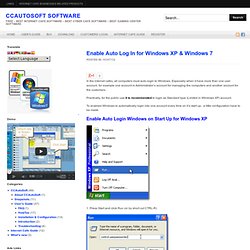
Especially when it have more than one user account, for example one account is Administrator’s account for managing the computers and another account for the customers. Practically, for the public use it is recommended to login as Standard type (Limited in Windows XP) account. To enabled Windows to automatically login into one account every time on it’s start up, a little configuration have to be made. Glary Utilities. How to use MSCONFIG in Windows 7: NetSquirrel.com.
Here is how to use MSCONFIG in Windows 7 to disable some of the unnecessary programs that automatically load on start-up.
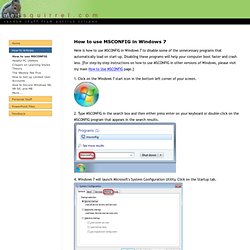
Disabling these programs will help your computer boot faster and crash less. [For step-by-step instructions on how to use MSCONFIG in other versions of Windows, please visit my main How to Use MSCONFIG page.] 1. Click on the Windows 7 start icon in the bottom left corner of your screen.