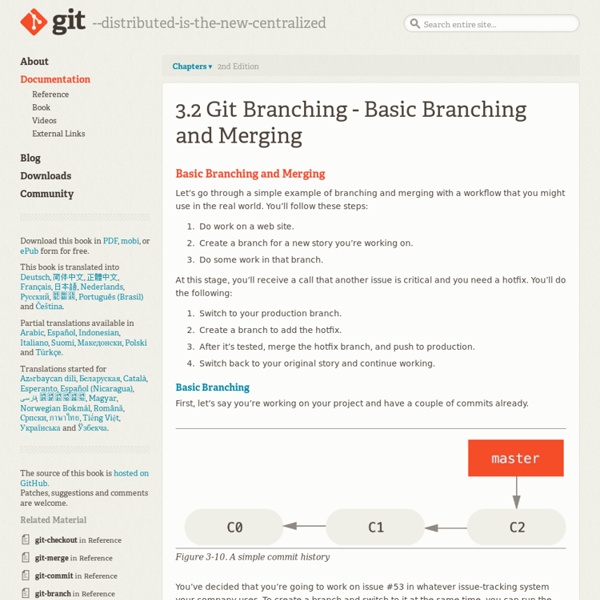
Basic Branching and Merging
github - What is the proper git workflow for basing a project off a 'seed' repo?
angular/angular-seed
Git Reference
git reset is probably the most confusing command written by humans, but it can be very useful once you get the hang of it. There are three specific invocations of it that are generally helpful. git reset HEAD unstage files from index and reset pointer to HEAD First, you can use it to unstage something that has been accidentally staged. Let's see what it looks like to unstage something. $ git status -s M README M hello.rb $ git add .$ git status -sM README M hello.rb $ git reset HEAD -- hello.rb Unstaged changes after reset: M hello.rb $ git status -sM README M hello.rb Now you can run a git commit which will just record the changes to the README file, not the now unstaged hello.rb. In case you're curious, what it's actually doing here is it is resetting the checksum of the entry for that file in the "index" to be what it was in the last commit. If you want to be able to just run git unstage, you can easily setup an alias in Git. The third option is to go --hard.
git - Where does .gitignore file belong?
github - Delete a Git branch both locally and remotely
git: master and develop are different but merge tell me already updated
Set up SSH for Git
To use SSH with Bitbucket, you create an SSH identity. An identity consists of a private and a public key which together are a key pair. The private key resides on your local computer and the public you upload to your Bitbucket account. There are a few important concepts you need when working with SSH identities and Bitbucket. You cannot reuse an identity's public key across accounts. Step 1. SSH is most likely included with your version of Mac OS or Linux. Step 2. By default, the system adds keys for all identities to the /Users/<yourname>/.ssh directory on Mac OSX, or /home/<yourname>/.ssh on Linux. Use the following procedure to create a new default identity. Open a terminal in your local system. Step 3. If you are running OSX 10.6.8 or later you can skip this step. Open a terminal window and enter the ps -e | grep [s]sh-agent command to see if the agent is running Step 4. From Bitbucket Cloud, choose avatar > Settings from the application menu. Step 5. Step 6.
git checkout tag, git pull fails in branch
Related:
Related:

