

Tilt-shift photography Tilt–shift photography is the use of camera movements on small- and medium-format cameras, and sometimes specifically refers to the use of tilt for selective focus, often for simulating a miniature scene. Sometimes the term is used when the large depth of field is simulated with digital post-processing; the name may derive from a perspective control lens (or tilt–shift lens) normally required when the effect is produced optically. Tilt is used to control the orientation of the plane of focus (PoF), and hence the part of an image that appears sharp; it makes use of the Scheimpflug principle. History and use[edit] Perspective control lenses[edit] The 1961 35 mm f/3.5 PC-Nikkor lens—the first perspective control lens for a 35 mm camera Short-focus perspective-control (PC) lenses (i.e., 17 mm through 35 mm) are used mostly in architectural photography; longer focal lengths may also be used in other applications such as landscape, product, and closeup photography. Shape control[edit] Tilt[edit]
Photos - Fun - befunky.com Photo Editor Need to crop, resize, or add a frame to your photo? We’ve got your back. Adjust the color, brightness, contrast, saturation, or sharpness? Welcome to BeFunky. Photo Effects A photo without effects is like a unicorn without a rainbow. Collage Maker Photos get lonely too sometimes, which is why we have the amazing BeFunky Collage Maker!
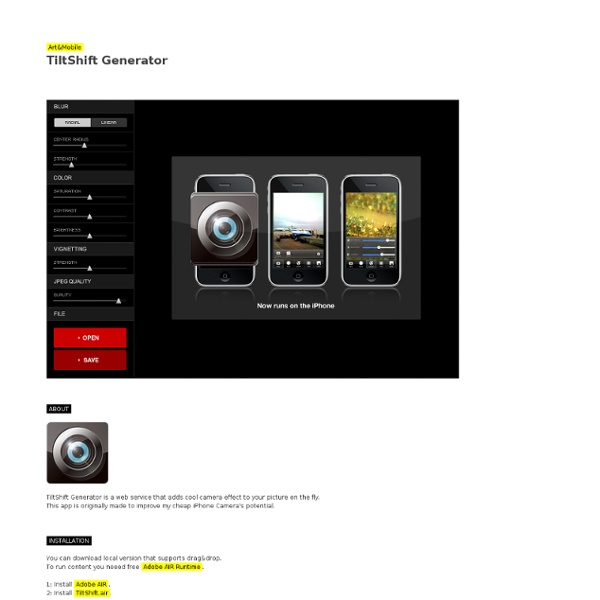
Create your tilt-shift picture Move the vertical slider on the right of the original photo to select the area in focus. Use the "Preview" button to see the results, then click on the required image size and press "Download" when done to process the image and get a download link. Site members get unlimited downloads up to 21MP (5700 pixel length/width) and can access over 50 bokeh styles, click here for details. Processing and downloading hi-res images may take a few minutes, depending on original photo size and other factors. A download link to the most recent hi-res file processed this session will appear in the "Recent hi-res:" area. The size of the main selected area can be adjusted using the horizontal slider, from "narrow" (focusing on a small area) to "wide" (focusing on a larger area). If you're using a display resolution of 1280x1024 or higher, try clicking on the "Large" button on the left to switch to large preview mode. Tilt-shift miniatures often look better with vivid colors. Strength 0-5: Strength 5-8:
OurDoings - Capture the story your photos tell Aviary Tendance : quand la photo fait rétrécir Des sportifs transformés en figurines Subbuteo, des Formules 1 métamorphosées en petites voitures… Quand la photo rencontre le modélisme, cela donne le tilt-shift. Derrière cet obscur mot anglais (un de plus !) se cache l'un des effets les plus ludiques de la photographie, mais aussi de la vidéo. Le réalisateur David Fincher l’a employé récemment dans toute une séquence de The Social Network, son film sur Facebook. Justement, la fièvre du tilt-shift a envahi le web. Le point en images. (Mark Kolbe - AFP) À la question de savoir ce qu’est le tilt-shift, il est possible de répondre : un effet de maquette. (Robin Utrecht - AFP) Pourtant, nulle trace de macrophotographie ici : les chefs d’œuvre de tilt-shift résultent, bien souvent, de prises de vues effectuées à des dizaines ou même des centaines de mètres du sujet. (Richard Heathcote - AFP) Josh Mock (Flickr) Auparavant réservée aux professionnels ou aux amateurs fortunés, la technique du tilt-shift s’est démocratisée à l’ère numérique.
Photos - Guide - Macro Les objectifs macro moderne autorisent une mise au point continue de l’infini au rapport 1/1, ce qui donne un confort d'emploi remarquable ! La formule optique de ce type d'objectif est étudiée pour obtenir une excellente homogénéité de l'image à tous les rapports de grandissement tout en minimisant les "déperditions" de lumière notamment grâce à un système de mise au point interne qui évite l'allongement du tirage. Evidemment, le prix d'un objectif macro est plus élevé qu'une focale fixe mais les performances optiques sont généralement d'un haut niveau et il peut remplacer, sans aucun problème, un objectif de focale équivalente !!! Un autre point à ne pas négliger lors du choix d'un objectif macro est de savoir si la focalisation (mise au point) est interne (IF pour "internal focus") car dans ce cas, la taille de l'objectif reste la même quel que soit le rapport de grandissement et c'est un gros avantage par rapport à un optique non IF. Inconvénients : un seul et unique...le prix.
Photo Beaubourg | Accueil Spécialiste Nikon depuis 1981 67 rue Rambuteau 75004 Paris Tel : 01 42 77 93 00 Informations Nouveautés NIKON D4s 1 NIKKOR VR 70–300mm f/4.5–5.6 Play It Forward - Photovisi - Collage photo effects 50 Beautiful Examples Of Tilt-Shift Photography Photos - Guide - Focus Numerique Photo numérique Canon