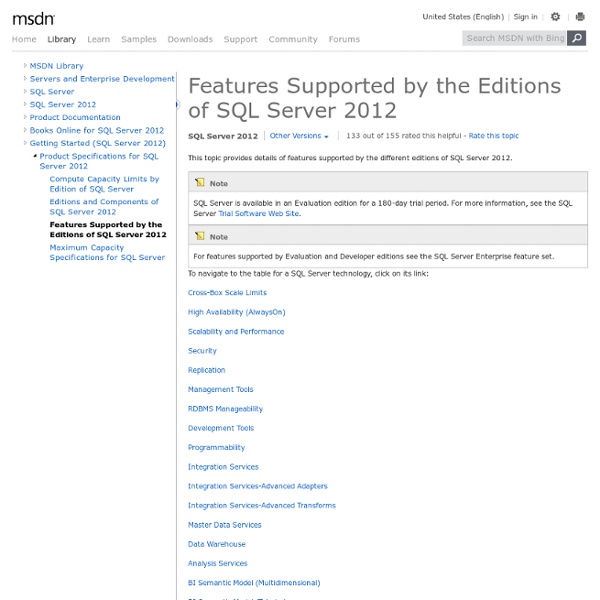
Features Supported by the Editions of SQL Server 2014
Configuring Reporting Services Components
This topic summarizes the approaches that you can use to configure Reporting Services. It also includes a list of topics that explain how to configure specific components, features, or server capabilities. To configure Reporting Services, you can:
Installing SQL Server Reporting Services
After you review the installation requirements for SQL Server 2005 and verify that your computer meets those requirements, you are ready to install SQL Server 2005 Reporting Services. Depending on your environment, you install Reporting Services in one of the following ways: After you install Reporting Services, you can modify the installation to match the deployment model you are implementing. Examples of deployment models that you can effect after Setup is finished include: Deploying a report server on an Internet-facing Web server.
New Features in SQL Server 2012 for Database Administrators - MyTechMantra.com
Feb 12, 2012 Introduction At SQLPASS 2011, Microsoft has announced the launch of SQL Server 2012 which was also known to the SQL Server Community by its code name SQL Server Denali. It is expected that Microsoft will release SQL Server 2012 in the first half of year 2012. Currently SQL Server Enthusiast can download the Microsoft SQL Server 2012 Release Candidate 0 (RC0) version of SQL Server 2012 to explore new feature in the product. Quick Overview of New Features in Microsoft SQL Server 2012 for Database Administrators Microsoft SQL Server 2012 introduces lot many new features for Business Intelligence Developers, TSQL Developers and Database Administrators. Contained Database in SQL Server 2012 Contained Databases is a new feature which is available in SQL Server 2012. SQL Server AlwaysOn High Availability Feature SQL Server 2012 introduces a new High Availability option namely SQL Server AlwaysOn. Indirect Checkpoints Feature in SQL Server 2012 Partially Contained Database Conclusion
New Feature in SQL Server 2012 Reporting Services for Developers - MyTechMantra.com
Sept 18, 2012 Introduction Microsoft has released SQL Server 2012 which was also known to the SQL Server Community by its code name SQL Server Denali in the first half of 2012. New Feature in SQL Server 2012 Reporting Services include:- Power View Improved SharePoint Integration Mode Word Rendering for Microsoft Word 2007-2010 and Microsoft Word 2003 Excel Rendering for Microsoft Excel 2007-2010 and Microsoft Excel 2003 Self-Service Alerting or Data Alerts SQL Server Data Tools add in for Visual Studio 2010 for Report Server Projects Microsoft SQL Server 2012 introduces lot many new features for Business Intelligence Developers, TSQL Developers and Database Administrators. Power View More Resources on Power View Feature:- Improved SharePoint Integration Mode In SQL Server 2012 Reporting Services SharePoint Configuration Mode needs to be configured using SharePoint Central Administrator or by using Reporting Services SharePoint mode PowerShell cmdlets. Self-Service Alerting or Data Alerts
Installation for SQL Server 2012
The SQL Server Installation Wizard provides a single feature tree to install all SQL Server components: Database Engine Analysis Services Reporting Services Integration Services Master Data Services Data Quality Services Management tools Connectivity components You can install each component individually or select a combination of the components listed above. To make the best choice among the editions and components available in SQL Server, see Editions and Components of SQL Server 2014 and Features Supported by the Editions of SQL Server 2014. Regardless of whether you use the SQL Server Installation Wizard or the command prompt to install SQL Server, Setup involves the following steps: Planning a SQL Server Installation Describes how to prepare your computer for SQL Server: Hardware and software requirements. Install SQL Server 2014 Describes installation options for SQL Server. Upgrade to SQL Server 2014 Describes options for upgrading to SQL Server. Uninstall SQL Server 2014
Related:
Related:

