

My Tests - TestBuilder - The Kansas Assessment Program (KAP) includes a variety of tests aligned to the Kansas College and Career Ready Standards in English language arts and mathematics, the Kansas Science Education Standards, and the Kansas Standards for History, Government, and Social Studies. These tests are designed to support educators and policymakers in evaluating student learning as well as to meet the requirements for federal and state accountability.
Bloom's and ICT tools Many teachers use Bloom's Taxonomy and Bloom's Revised Taxonomy in developing and structuring their teaching & learning experiences. Bloom's Digital taxonomy is an attempt to marry Bloom's revised taxonomy and the key verbs to digital approaches and tools. This is not a replacements to the verbs in the revised taxonomy, rather it suppliments and supports these by including recent developments, processes and tools. This page looks at some specific examples of tools and match them to Bloom's Digital Taxonomy Many of these tools that are FOSS (Free or Open Source Software). Files Web 2.0 Tutorials Without a doubt one of the best resources on the web for web2.0 Technologies is the commoncraft show.
TOP 5 Educational iPad and iPhone Games IGN the undisputed king of online gaming content recently published its top 25 iPad, iPhone games and it is well worth the read if you own an apple device and enjoy a good game. As an avid gamer and educator I have taken this a little further by identifying the top 5 educational gaming experiences on the iPhone and iPad. Now I am not interested in times table challenge games or blatant learning games I am talking about games that require you to think outside of the square in across a range of curriculum areas without even really knowing that you're participating in a learning experience. Civilization Revolution - Build. You can't takeover the world without an understanding of philosophy, economics, appreciating the value of technology and science, effective strategy protocols and how to bargain with your friends and enemies rule the world. IGN Says: "Outside of SimCity, no game defines the strategy genre like Sid Meier's Civilization. The Oregon Trail: Price $1.19 Drop 7: Price $3.99
Classroom 2.0 Middle School iPad Apps Create and publish your own wikis and blogs. Use these web services to communicate and collaborate with your friends and coworkers. It's easy to edit this page and create new wikis. To edit this page, click the Log In (lock) button, log in as a wiki administrator and click the Edit (pencil) button. To create a new wiki, log in, then click the Add (+) button and choose New Wiki. Content previously available at this address is temporarily available at If you're looking for our iPad wiki content, it's still online at: Calendar | Change Password | Profile Manager
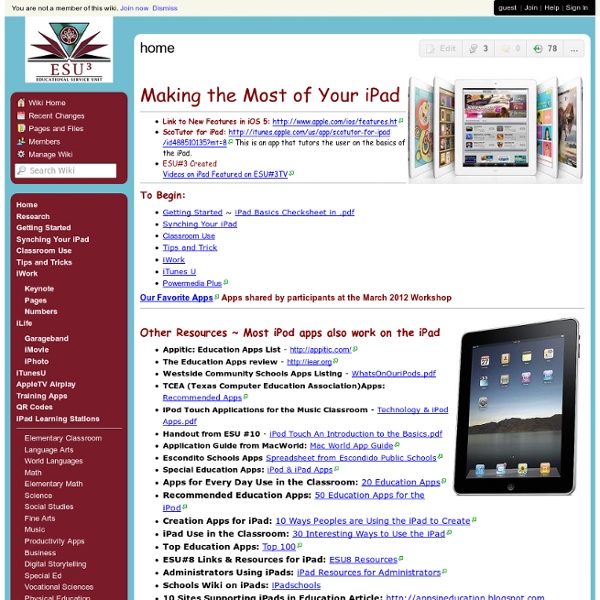
cool tools for schools Planbook Touch: iPad Lesson Plan Book App For Teachers Planbook Touch has dozens of features to help you get more organized, save time, and share your lesson plans Choose Your Schedule Planbook can accommodate schedules where you teach the same thing each day, your classes change each day but repeat weekly and rotating schedules (up to a 14 day rotation). Write your Lesson Plans Planbook gives you 6 customizable fields to hold your lesson plans. You change the default field names to reflect how you teach. Attach Files and Links to Your Plans Planbook Touch lets you attach any web link or file directly to your plans. Print/Email your Plans Planbook makes it easy to share your plans with your administrator, other teachers or students via print or email. Adjust your Schedule When the weather gets rough (or any of the 100s of things happen that can affect your best laid plans), Planbook lets you quickly bump or pull back lessons to adjust your plans. Track Standards Dropbox Support Convert Days Companion Mac and Windows Apps Top-Notch Techical Support
100+ Google Tricks That Will Save You Time in School – Eternal Code [via onlinecolleges.net] With classes, homework, and projects–not to mention your social life–time is truly at a premium for you, so why not latch onto the wide world that Google has to offer? From super-effective search tricks to Google hacks specifically for education to tricks and tips for using Gmail, Google Docs, and Google Calendar, these tricks will surely save you some precious time. Search Tricks These search tricks can save you time when researching online for your next project or just to find out what time it is across the world, so start using these right away. Convert units. Google Specifically for Education From Google Scholar that returns only results from scholarly literature to learning more about computer science, these Google items will help you at school. Google Scholar. Google Docs Google Docs is a great replacement for Word, Excel, and PowerPoint, so learn how to use this product even more efficiently. Use premade templates. Gmail Use the Tasks as a to-do list.