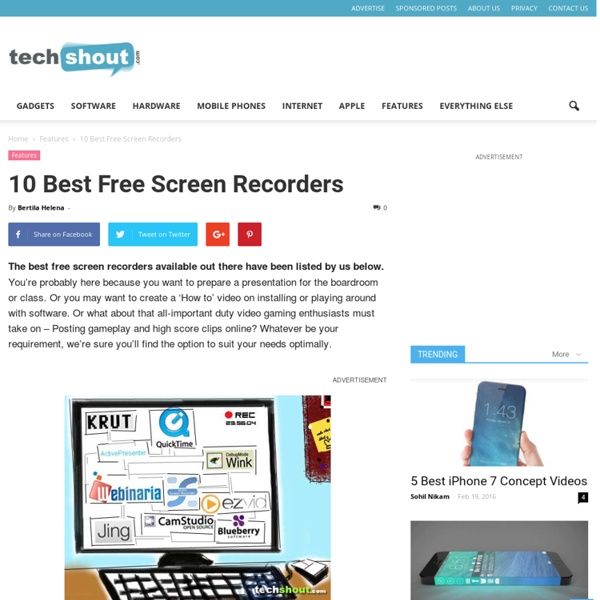
10 Best Free Screen Recorders
How to Organize Your Entire Life with Trello
Voki as an Edtool: Voki for your Classroom
Details Published on Sunday, 19 May 2013 20:57 Written by Editor Voki is a good tool which can be used in education, and it is fun to share information between students, parents, teachers and principal with. Voki is a tool which can be used to share a message using an animated avatar that talks. It can be created using your own voice recorded using multiple devices. Voki can provide a fun way to share information with parents and one can also capture anyone’s message using the recorder of a smartphone. Easily Embed Vokis The school staff can use Voki to record introduction messages for their school websites. Here are tutorials to Embedding a Voki into Powerpoint , Embedding a Voki into a Google Site . Use Voki to Guide Students Create Vokis to let students know what they need to do in class. Here is tutorial to Embedding a Voki onto Moodle, Blog Wiki or Web Page Use Voki for Proofreading Students use Voki to listen to their writing aloud. Use Voki for Practicing Language Use Voki for a Debate
Creating Presentations
Creating a presentation or slideshow is one of the staples of any 21st Century Classroom. This is a skill that almost every educator has and is a must known skill for any successful student. It used to be that only programs such as PowerPoint could create presentations. However, now there are lots of sites and apps that not only creating stunning presentations but also make it easier then ever. *This list is in alphabetical order.40 Sites & Apps for Creating Presentations 9Slides - A wonderful site and app for adding video/audio narration to a presentation.
A List of 20 Free Tools for Teachers to Create Awesome Presentations and Slideshows
Below is a list of some of the best free tools teachers and students can use to create awesome slideshow and presentations. 1- KnovioKnovio gives life to static slides and with a simple click you will be able to turn them into rich video and audio presentations that you can share with your friends and colleagues via email or popular social media websites. Knovio does not require any software installation or download, it is all web based. 2- AheadAhead is a great presentation tool for educators. It works in such a way that it instantly transforms your layouts into a zooming presentation. 3- HelloSlideHelloSlide is a cool web tool that allows its users to create awesome slides together with voice narration. 4- JuxJux is one of the best showcase for your stories. 5- SlidestaxxSlidestaxx is a great presentation tool. 6- Present.meIt allows its users to record and share their presentations using their webcams. 9- ZentationZentation is one of the best video presentation tools . 11- Zoho Show
Classroom Examples Using Aurasma
How to Use Augmented Reality in Your Classroomthis post is read best via a desktop due to the embedded video content Augmented reality allows someone to add another layer to an existing image. For example, imagine holding your phone over a poster on the wall as if you were going to take a photo of that poster, and then instantly a video starts playing to offer you additional information about that particular poster. Pretty cool, right? The first time it happens, it seems like magic. After watching the video below, I knew I had to figure this augmented reality thing out. Aurasma is the app I use to create augmented reality. Sharing Aurasma with My Husband's Colleagues Not only is augmented reality amazing, it's also free and easy to do. While waiting for our table to be called for dinner, we were discussing the nice decorations displayed around the reception hall. His colleagues began instantly brainstorming how this could be used for their business. Augmented Reality Vocabulary Step 1:
Related:
Related:

