Kyle Schaeffer - Web Design and SharePoint Branding
One of the most confusing aspects of CSS styling is the application of the font-size attribute for text scaling. In CSS, you’re given four different units by which you can measure the size of text as it’s displayed in the web browser. Which of these four units is best suited for the web? It’s a question that’s spawned a diverse variety of debate and criticism.
Common fonts to all versions of Windows & Mac equivalents (Browser safe fonts) - Web design tips & tricks
Last updated: 2008/06/03 Return to the main page Introduction Here you can find the list with the standard set of fonts common to all versions of Windows and their Mac substitutes, referred sometimes as "browser safe fonts".
CSS: fonts
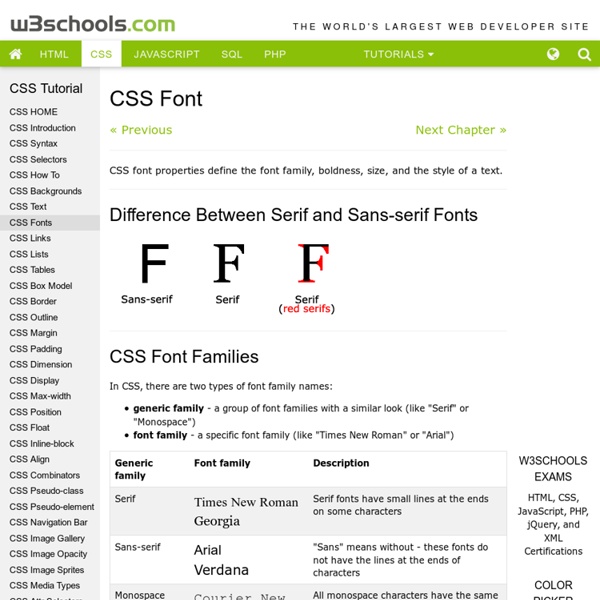
Font families After the color, the font is probably the most basic property of a page. On this page I won't show any "tricks," but I will show the range of font variations that CSS allows. Since not all fonts are available on all computers (there are thousands of fonts, and most are not free), CSS provides a system of fallbacks. You list the font that you want first, then any fonts that might fill in for the first if it is unavailable, and you should end the list with a generic font, of which there are five: serif, sans-serif, monospace, cursive and fantasy. The following table shows examples of various fonts (your browser may not know all of them) and you can see what your browser does with each of the five generic ones:
A Test Of Character: 10 Font Games That Prove Typography Can Be Fun
The quick brown fox jumps over the lazy dog. This is the famous pangram for anyone who pays attention to fonts and the art of typography. If you haven’t heard this ever, then it’s time to exit the arena because the battle could get bloody as we head to some of the font games mentioned below. There will be a lot of kerning and only the strong characters will survive. You can’t turn tail.
Last Word in Font Management
© 2000-3 by Foster D. Coburn III, All Rights Reserved. Part of my seminars covers the topic of font management. A small number of attendees have their fonts under control while most attendees have a complete font mess on their computers. A lot of people ask questions on this subject and more contact me afterwards with follow-up questions.
8 Simple Ways to Improve Typography In Your Designs
Advertisement Many people, designers included, think that typography consists of only selecting a typeface, choosing a font size and whether it should be regular or bold. For most people it ends there. But there is much more to achieving good typography and it’s in the details that designers often neglect.