

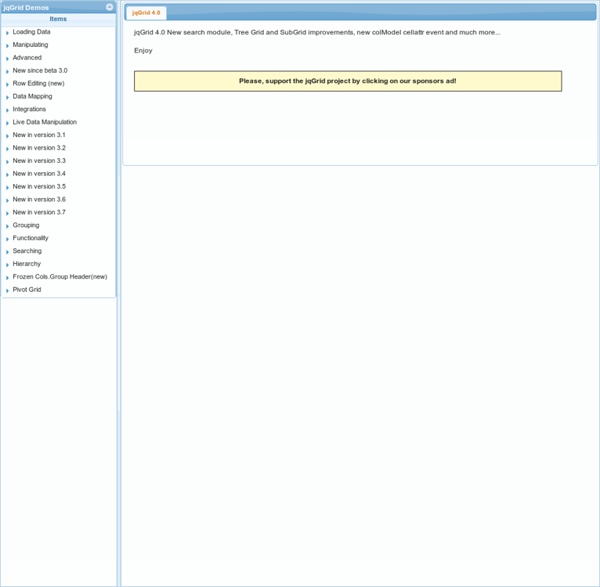
Tiki-Toki start jqGrid is an Ajax-enabled JavaScript control that provides solutions for representing and manipulating tabular data on the web. Since the grid is a client-side solution loading data dynamically through Ajax callbacks, it can be integrated with any server-side technology, including PHP, ASP, Java Servlets, JSP, ColdFusion, and Perl. jqGrid uses a jQuery Java Script Library and is written as plugin for that package. For more information on jQuery, please refer to the jQuery web site. jqGrid's Home page can be found here. Working examples of jqGrid, with explanations, can be found here. The last development version can be obtained from GitHub JqGrid was developed by Tony Tomov at Trirand Inc., a software development firm based in Sofia. Tony got the idea for jqGrid when he needed an easy way to represent database information in a project. Tony developed jqGrid and made it available for free as a way of making a contribution to the open-source community.
Flexigrid jQuery UI html Jeditable - Edit In Place Plugin For jQuery Hi! My name is Jeditable and I am inplace editor plugin for jQuery. With few lines of JavaScript code I allow you to click and edit the content of different html elements. I am based on Dylan Verheul’s editable. How does in place editing work? Normal flow is this. Basic usage While reading you might also want to check live demo. <div class="edit" id="div_1">Dolor</div><div class="edit_area" id="div_2">Lorem ipsum dolor sit amet, consectetuer adipiscing elit, sed diam nonummy nibh euismod tincidunt ut laoreet dolore magna aliquam erat volutpat. There is only one mandatory parameter. Code above does several things: Elements with class edit become editable. Not bad for oneliner, huh? Elements with class edit_area will use textarea as input. These two examples cover most of needs you usually have. What is sent to server? When submitting change following data will be POST:ed to server: id=elements_id&value=user_edited_content In some cases you might want to change default parameter names. Demo
jQuery plugin: Tablesorter 2.0 Author: Christian Bach Version: 2.0.5 (changelog) Licence: Dual licensed (just pick!)under MIT or GPL licenses. Please with sugar on top! Don't hotlink the tablesorter.js files. Update! Helping out! Comments and love letters can be sent to: christian@tablesorter.comchristian at tablesorter dot com. tablesorter is a jQuery plugin for turning a standard HTML table with THEAD and TBODY tags into a sortable table without page refreshes. tablesorter can successfully parse and sort many types of data including linked data in a cell. Multi-column sorting Parsers for sorting text, URIs, integers, currency, floats, IP addresses, dates (ISO, long and short formats), time. TIP! To use the tablesorter plugin, include the jQuery library and the tablesorter plugin inside the <head> tag of your HTML document: tablesorter works on standard HTML tables. Start by telling tablesorter to sort your table when the document is loaded: $(document).ready(function() { $("#myTable").tablesorter(); } ); NOTE!
jQuery CSS jQuery Visualize Plugin: Accessible Charts & Graphs from Table E Posted by Maggie on 03/12/2010 Topics: accessibility dwpe book jQuery progressive enhancement A while ago, we came up with a technique for creating accessible charts and graphs that uses JavaScript to scrape data from an HTML table and generate bar, line, area, and pie chart visualizations using the HTML5 canvas element. We've updated the Visualize plugin — adding ARIA attributes to clarify the chart's role to screen reader users, so they're better informed about which elements contain useful data; and providing two style variations to demonstrate how you can use CSS to customize the charts' appearance. Visualize is one of the 12 fully-accessible, project-ready, progressive enhancement-driven widgets that accompanies our new book, Designing with Progressive Enhancement. How the Visualize plugin works The Visualize plugin parses key content elements in a well-structured HTML table, and leverages that native HTML5 canvas drawing ability to transform them into a chart or graph visualization.
Une réintroduction à JavaScript Introduction Pourquoi une réintroduction ? Parce que JavaScript peut raisonnablement se targuer d'être le langage de programmation le plus incompris au monde. Bien que souvent raillé comme étant un simple jouet, derrière sa simplicité désarmante se cachent certaines fonctionnalités de langage très puissantes. Il peut être utile de commencer avec un aperçu de l'histoire de ce langage. Quelques mois plus tard, Microsoft a lancé avec Internet Explorer 3 une version du langage globalement compatible, appelée JScript. Note : Dans la suite de cet article et à des fins de simplicité, nous utiliserons les termes « JavaScript » et « ECMAScript » pour désigner la même chose. Cette stabilité est une excellente nouvelle pour les développeurs, parce qu'elle a donné aux différentes implémentations tout le temps nécessaire pour s'y adapter. Contrairement à la plupart des langages de programmation, JavaScript n'a pas de concept d'entrée ou de sortie. Aperçu Les nombres parseInt("010"); parseInt("0x10"); Et…