

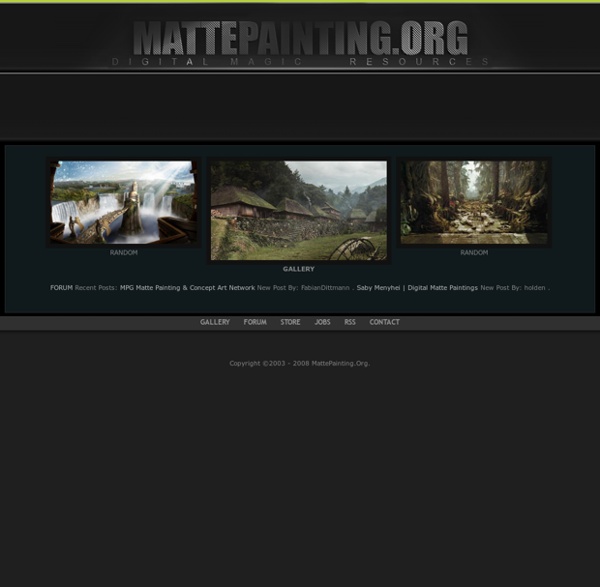
Matte painting A matte painting is a painted representation of a landscape, set, or distant location that allows filmmakers to create the illusion of an environment that is nonexistent in real life or would otherwise be too expensive or impossible to build or visit. Historically, matte painters and film technicians have used various techniques to combine a matte-painted image with live-action footage. At its best, depending on the skill levels of the artists and technicians, the effect is "seamless" and creates environments that would otherwise be impossible to film. In the scenes the painting part is static and movements are integrated on it. Background[edit] By the mid-1980s, advancements in computer graphics programs allowed matte painters to work in the digital realm. New technologies[edit] Significant uses[edit] Important traditional matte painters and technicians[edit] See also[edit] References[edit] Books[edit]
3d-Plugin 40 Pixel art tutorials Today, most businesses want a website. Some already have one. Others want one. They don’t want to hire IT staff and probably can’t afford any. What Do You Want? The first step is to decide exactly what you want on your website. * What kinds of information do you want to have on your site? * Will your site require regular updates? * Will you be engaging in e-commerce on this website? * Will you need a database? * How fast do you need the job done? * What is your budget? Start Your Search Doing a web search for someone that has the skills you will need for your website will still give you a humongous list of possible choices. Often, the web developers you are pondering are not located in your town. The first thing to do when considering a developer is to check out their website. * IS the website well-designed and attractive? * Is it easy to navigate? * Are there any broken links? * Is the information complete (introduction to staff, company location, contact methods, etc.)? * IS there a portfolio?
3D Ripper DX 3D Ripper DX Overview Download Links Quick start guide Maya import Pre- and Post-TnL cache efficiency measurementForum Overview With 3D Ripper DX you can: - capture all geometry, textures and shaders, rendered during single frame; - import captured geometry into 3D Studio Max or Maya; - see what exactly has been drawn by each individual draw call; - see renderstate, textures, vertex streams, index stream, vertex declaration, vertex and pixel shaders (including HLSL source code if available) of each individual draw call. 3D Ripper DX supports only DirectX 6.x, 8.x and 9.x applications. Download Current version is 1.8.2, download. Version history Links Quick start guide - Start 3D Reaper DX Objects in Maya will appear distorted.
How to Draw Cartoons The Area :: Tutorial :: Focke-Wulf Crash in the Snow -- Making o The idea for this project was born while watching the movie The Golden Compass, which has scenes on ice and snow that are really fantastic. I added to that the fact that I like old airplanes and then started to develop the idea. For a long time I wanted to make a scene that involved ice and snow, and my greatest difficulty for that is the fact that I have never seen snow. After watching the movie I began to sketch a scene, and with the sketches defined, I made a simple model to use as a guide for the work. Following that I began to work on the creation and composition of materials to be used in the scene. Even though this is a stage that is performed further into the process, I decided to bring this to the beginning of the process, because the main focus of this work was actually the materials. To mix the materials the shader “Top/Bottom” could also be used (it substitutes the world Z technique). Let`s see how that works: And finally a new subdivision to leave the mesh uniform.
Escola Britânica de Artes Criativas 3D Ripper DX Tutorial 3D Ripper DX is a tool for capturing geometry and textures. This is very useful for machinima because it allows you to export models from a huge selection of games. You will need a 3D program for this. 3D Studio Max is recommend, but other programs that can import OBJ files may work as well. Capturing a scene with 3D Ripper DX1) Open 3D Ripper DX and locate the game exe. Make a mental note of your capture key, then press launch. - If using a Steam game, make sure steam is running first. 2) You will see a "Ready to capture" message in the top left corner of your screen if the program is running. 3) Press the capture key when ready. Problems and Fixes1) The skin color or clothing doesn't look correct. - Many games use dynamic materials which allows them to easily change the appearance or characters. Links3D Ripper DX Compatibility ChartConverting a 3D Ripper DX Scene to SourceConverting a 3D Ripper DX Scene to UDK