
background preloader

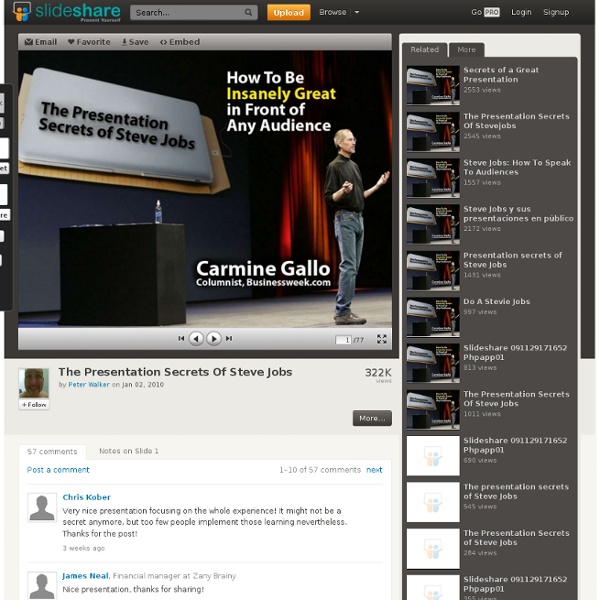
The Presentation Secrets Of Steve Jobs

The Presentation Secrets Of Steve Jobs

PowerPoint Design Principles - Dominance Home > PowerPoint Slides > Key Design Principles - Dominance Learn to apply one of the key design principles – dominance, and make your slides look professional and powerful. Here is a question for you: If the points on your PowerPoint presentation were to come to life and talk about how they feel about being on your slides, what will you hear them say? Would they feel like passengers in a crowded train or like travellers in a limousine– getting special attention and respect?Would they feel like a Rock star enjoying all the adulation and limelight or like a chorus singer who is barely noticed? Answers to those questions determine the effectiveness of your presentations. One quick way to improve the effectiveness of your presentation is to follow the principle of Dominance in your PowerPoint slides. What is the Design Principle of Dominance? Dominance in slide design is about making the most important element of a slide stand out from the rest. 1.Use a contrasting color for your core point: 2.

Bag Of Tricks - Presentation Design I Influence Through Storytelling Our 7 Tenets of Future Storyworlds At the European Broadcast Union (EBU) TV Summit in Copenhagen last week, Transmedia Storyteller Ltd founder and CEO, Robert Pratten, presented our vision for future storyworlds: PERVASIVE – Available on any device, anywhere and at any time. Blurs real world and fictional world. PERSISTENT – Story evolves even if you’re not engaging with it. The full presentation focused on TV’s role in a much broader non-linear entertainment ecosystem with these seven tenets of future storyworlds applying equally well to any entertainment and news business.

Data Presentation - 5 PowerPoint Tips Home > Presenting Data Main > 5 Data Presentation Tips Most data presentations are confusing and boring. Learn the 5 tips to make your presentation clearer and more memorable. Tip 1: Put your conclusion on the title Most presenters use vague slide titles like Our Sales Performance. Always put the conclusion from your slide on the slide title. See this table of data on a slide: Since the conclusion is clearly mentioned on the title, audience’s eyes are naturally led to the relevant numbers on the table. Tip 2: Highlight your inference A lot of presenters lose their audience because they make them think. Realize that not everyone in your audience likes to crunch numbers. See the PowerPoint slide with clear graph below: The areas that depict losses and profits are highlighted clearly in different colors. All that is left for the audience to do is to read the conclusion on the title and see the proof (assertion-evidence method) in the body of the slide to move forward.

Avatars - Create an Animated Talking Character for Your Website Rehearsing Your Strategic Story - Teresa Norton by Teresa Norton | 3:54 PM January 20, 2012 I do quite a lot of influential presentation coaching and training. Bringing a theatre person in to work on how to ‘stand and deliver’ in front of an audience makes sense and I enjoy sharing some of the things actors know about performing. But what really interests me and seems to benefit my clients most is the way we can apply things learned in the theater to strategic storytelling. I was called in to work with a group of senior partners in a large architecture firm and Ms. And then there is the fear factor. The workshop moves through five stages, none of which involve melting or sizzling but do challenge participants to get on their feet. One standard improv game has participants in pairs build a story together by beginning each contribution Yes! The next section, Strategic Storytelling, offers a technique that actors employ to find what is driving their character in a particular scene. But what about performance post rehearsal?

New Rules For Power Point Presentations (Revised) 8 Free Screencasting tools for making video tutorials By AQ Nizam on April 25, 2012 8 Free Screencasting Tools For Making Video Tutorials Don't Forget to participate in a contest where you can win an amazing e-Commerce template from TemplateMonster. Screencasting tools are used to show other people what exactly is happening on your computer like you see in video tutorials. To put it briefly, screencasting tool is the most suitable and better option if you want to show someone how to do something on your computer. Screenr Screenr’s web-based screen recorder makes it a breeze to create and share your screencasts around the web. Screencast O matic Screencast-O-Matic is the original online screen recorder for one-click recording from your browser on Windows or Mac with no install for FREE! Goview Capture your computer screen and audio with GoView™, then instantly share your recording online. ISU enable people to easily Record a sequence of operations in applications. Webinaria With this tool you can record software demonstrations and tutorials. Krut Jing

Related: