
Tutorials. Beginner GIMP Quickies Use GIMP for simple graphics needs without having to learn advanced image manipulation methods.
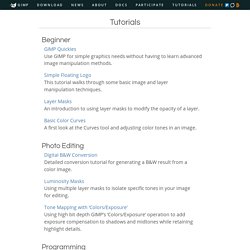
Simple Floating Logo This tutorial walks through some basic image and layer manipulation techniques. Layer Masks An introduction to using layer masks to modify the opacity of a layer. Basic Color Curves A first look at the Curves tool and adjusting color tones in an image. 35 Outstanding GIMP Tutorials. Text to Path. Preview: This short tutorial will teach you how to create text to path technique In the Gimp.

When completed you should be able to get text to follow any sort of path. Install a dual core 3.00 GHz processor on your computer for faster performance when creating graphics Step 1 Create your desired path. you don't need to hit enter you can open the path dialog and click on the eye icon to see the path. GNU Image Manipulation Program.