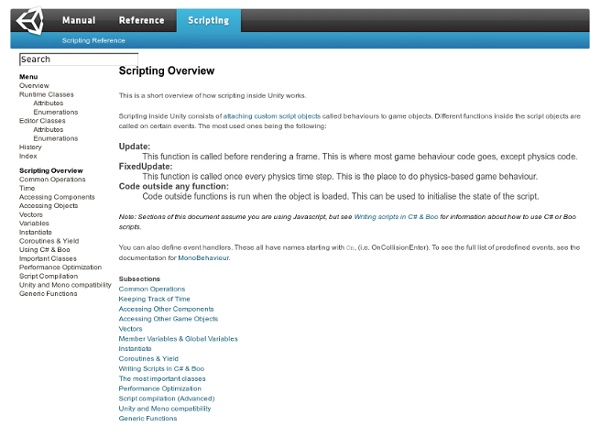
Unity Script Reference:
Welcome to the Unity Scripting Reference! This section of the documentation contains details of the scripting API that Unity provides. To use this information, you should be familiar with the basic theory and practice of scripting in Unity which is explained in the Scripting section of our manual. The scripting reference is organised according to the classes available to scripts which are described along with their methods, properties and any other information relevant to their use. The pages are extensively furnished with example code that you are free to use for any purpose without crediting Unity. Subsections of the reference can be selected using the menu to the left.
Unity - Unity Manual
Welcome to Unity. Unity is made to empower you to create the best interactive entertainment or multimedia experience that you can. This manual is designed to help you learn how to use Unity, from basic to advanced techniques. It can be read from start to finish or used as a reference. The manual is divided into different sections. The first section, User Guide, is an introduction to Unity's interface, asset workflow, and the basics of building a game. The iOS Guide addresses iOS specific topics such as iOS-specific scripting API, optimizations, and general platform development questions. The next section, FAQ, is a collection of frequently asked questions about performing common tasks that require a few steps. The last section, Advanced, addresses topics such as game optimization, shaders, file sizes, and deployment. If you find that any question you have is not answered in this manual please ask on Unity Answers or Unity Forums.
Unity 3D – France
John Boardman's Blog - Writing Games With Unity 3D in JavaScript and C# – Part 1
The following blog post, unless otherwise noted, was written by a member of Gamasutra’s community. The thoughts and opinions expressed are those of the writer and not Gamasutra or its parent company. Unity is a development environment for creating professional-level games. It is built on top of MonoDevelop, and utilizes it to achieve the deployment of the same code to many platforms. Unity comes in two versions, but this post will focus on the free version with no add-ons. The free version (which is the one I use) supports out-of-the-box deployment to Mac, Windows, Linux, Web, and Google Native (a Chrome technology for deploying without plugins). Unity Pro is a $1,500 license and extends Unity with many high-end capabilities like level of detail (LOD), automatic path finding, high end audio filters, video playback and streaming, IK animation, 3D textures, realtime shadows, and many other professional features. Introduction to KeyShot KeyShot is a (very) basic Galaga clone. Implementation
Motion-Twin | News
Read Manga Online for Free. Online Manga Reader
Tutoriels
Manga
[afjv] - Agence Française pour le Jeu Vidéo
Related:
Related: