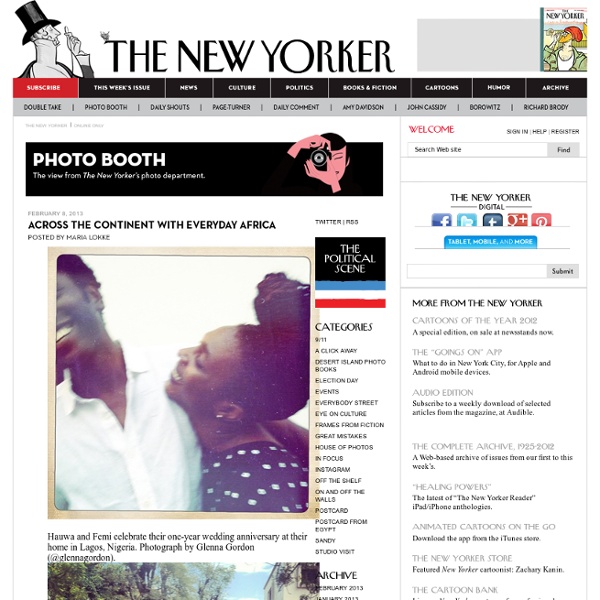
Photo Booth
External disk not showing up in Locate
Well, after countless wasted hours, I've given up. There's something terribly wrong either with Aperture or with OS X Lion or the combination. The random volume disconnects and volumes missing as choices from the Located Referenced Masters screen don't seem to have any logical basis--the only explanation is some sort of bug with volume identification. So... I took out a wicked big hammer and fixed the Aperture library directly. It took about 15 minutes, including downloading an SQL editor and backing up the library. A cautionary note: I'm a professional software developer and screwing around inside databases is entirely within my zone of comfort and understanding. Thanks to those on this thread who offered suggestions.
Manually Change Aperture Referenced Files Volume « Kevin's Blog
If you have had issues with Apple's Aperture using referenced files then this post may be of some help. In my previous posts here and here I detailed the issues that I have been experiencing and some of the steps I tried to get back working. If, like me, you are still banging your head against the wall, you may want to consider manually updating the Aperture Library Database file. The process described below is for more advanced/daring users. For this procedure to work, you will need to have a file stored on the new location of your referenced images that Aperture successfully knows about. The db file is in a slightly different location than for iPhoto but is not too hard to find. Here is where things get scary. You will need to manually edit the database in SQLLite3. I used SQLLite Manager to run the commands against my DB. Below are the commands that I used to update the file path for my referenced images. --This command updates the directory path to your temp location. Popularity: 26%
Two easy steps for using a DMCA takedown notice to battle copyright infringement
Finding an unauthorized use of your photograph on the web is upsetting. But what can you do about it? You can contact an attorney for assistance. But if you haven’t registered your photo in advance of the infringement, then you won’t be eligible for statutory damages. Attorneys will take such cases on contingency only under certain circumstances. Fortunately, the Digital Millennium Copyright Act (DMCA) gives you another option. Please note that the DMCA is US law only. Step 1: Finding the ISP that is hosting the website with your image If you find a website that is using one of your images without permission, contact the ISP that is hosting the culpable website to report the infringement and ask that the infringement stop. So how do you find the hosting ISP? Take, for example, my wildlife photography website at www.vividwildlife.com. The results are shown below. Clicking on the IP Address provides the IP information for it. Step 2 - Drafting your Takedown Notice Counter notification
Scanning Film Negatives with a DSLR
Well, lets just say I've gotten better at this over the last couple of years. The left image was one of the first I've "scanned" with my DSLR, and the one on the right I've just rescanned using the techniques described below (higher resolution available here). Right now I can get higher resolution and better image quality that what street labs give you on CD. I've seen many articles on the web explaining the basics of digitising film negatives or transparencies with a digital camera. First of all: Why? - Street labs can usually scan the film but I’ve got bad scans and missing/cut frames more than once. All the following instructions have the objective of achieving the best possible resolution, colour depth and dynamic range out of the film, while keeping image noise as low as possible. I’ve separated this tutorial into five sections, and you may want to skip, or skim through some of these.
The art of HDR photography - part 1
By dpreview staff on Dec 22, 2010 at 22:22 GMT Today we're publishing the first in a series of articles by Uwe Steinmueller of Digital Outback Photo on the art of HDR photography. The first chapter (of what will eventually become Uwe's next E-book) covers the basics of dynamic range and the basics of High Dynamic Range photography. Future chapters will cover capture, workflow and advanced HDR techniques. We asked Uwe to give us a brief introduction to this series of articles: "We've been looking into HDR photography Since 2002. So far we plan the following articles: Understanding Dynamic Range HDR Challenges HDR Workflow Some advanced HDR Topics HDR Showcases Click here to read the first chapter of The Art of HDR Photography
Related:
Related:

