Video to animated GIF converter
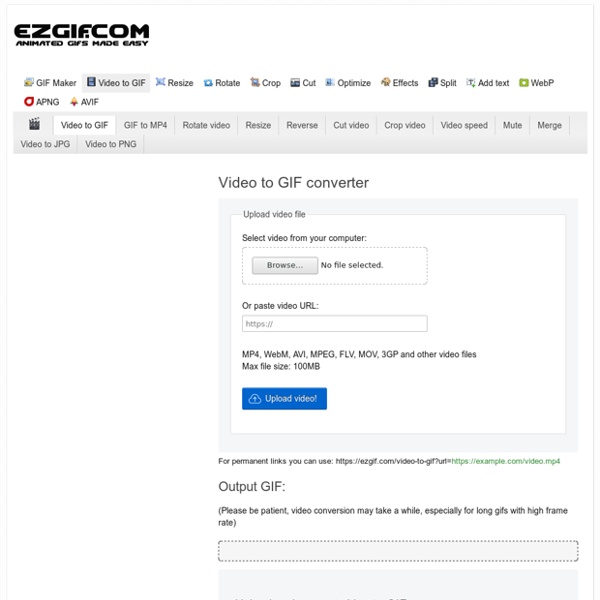
https://ezgif.com/video-to-gif
Convertire Web in JPEG
Convert Web Page to High Resolution Image SnapshotSupported Images (PNG, GIF, JPG, TIF, BMP, PPM, PGM)Set Image to Custom Wallpaper or Actual Page SizeBookmarklet to Get Image Directly from BrowserShare, Save, or Email Cool Websites as ImageBookmark on Image Network such as FlickrNo Registration, No Email, Unlimited UsageChrome Extension - Firefox Add-On Setting image to PNG results in high resolution Wallpaper but large file size | Javascripts contained in a web page are disabled for security | Does not work with websites that require user login Bookmarklet Convert web pages to Image Snapshot directly from your browser. Drag this button to your browser Bookmarks toolbar Browser Extension / Add-On iWeb2x is a plugin for both Google Chrome and Firefox browsers. iWeb2x combines both iWeb2Print and iWeb2Shot.
Streamable - cut & share vídeo
Create an account to access this dashboard on your other devices. TermsPrivacyContact
Collaborate & Create Amazing Graphic Design for Free – Canva
Free Online Photo Editor
Save Image Close ImageUpload Multiple ImagesOpen from URLImage Size InfoColor HistogramColor PaletteNew Blank ImageWebcam CaptureWebsite ScreenshotOpen from InstagramOpen from FaceBookOpen from DropBoxLunapic AccountSample ImagePrint ImageEncrypt / Decrypt ImageConvert File FormatAdd AnimationGet Prints at ZazzlePost on TumblrPin it on PinterestPost on FaceBookHost at Imgur Undo Last Action Undo History ListCopy to ClipboardPaste from ClipboardSwap with ClipboardShow ClipboardLayers MaskCrop ImageSimple Crop ToolMagic WandSkew ImageAutoCrop ImageResize ImageScale ImageResize CanvasRotate ImageTransparent Background Paint Tool (New)Drawing ToolText ToolWatermark ToolSimple Caption ToolMotivational PosterStained GlassPaint Bucket ToolColor PickerCosmetic SurgeryBlemish RemoverSpeech BubblesGlass TileCutout ShapeCensored BoxTiny WorldClipartBlur FacesEmoticon FacesCat a FaceInspirational PostersHoliday Cards
11 Google Tricks That Will Change the Way You Search
Google Search’s learning curve is an odd one. You use it every day, but still all you know is how to search. But the search engine has plenty of tricks up its sleeve. Here’s an overview of some of the most useful Google search tricks, from basic tips to new features just recently released. 1.
Genbeta - Crear un GIF de YouTube
Divertidos, cortos, los GIFs ofrecen un mundo de posibilidades, desbancan a los emoticonos y hasta cuentan con aplicaciones propias que simplifican y mejoran su uso. Pues bien, ahora dan un paso más: ya es posible crearlos a partir de un vídeo de YouTube. Así, lo primero será escoger un vídeo de Youtube y copiar la dirección del navegador.A continuación, accederemos a la página de GIFs.com y lo pegaremos en el cuadro que reza, para más indicaciones, Paste YouTube URL…. Pincharemos en Create GIF e iremos a parar a una nueva pantalla, en la que se nos mostrará la grabación que hayamos elegido. Seleccionaremos el momento de inicio y el del fin. Se indica la duración pero te recomendamos que compruebes la línea del tiempo desde el vídeo original para dar con el momento exacto que quieres capturar.
Carte de noel - Joliecarte.com
Joyeux Noël
Creare GIF animate con testo e immagini
Shout is an app for creating colourful animated GIFs from images and text. It runs in your browser. Customise TextType a message in a frame then choose a style using the 'Style' icon on each slide. You can use emoji in your text too – be creative!
Generatori di testo
Ecco una nuova serie di applicazioni online con cui potrete generare scritte originali per incorporarle nel vostro blog o sito web. C'e' solo l'imbarazzo della scelta! LCD Text Scroller Signbot Screedbot
CARTELLONI STRADALI
Copy this link to send this page to a friend: Do not link directly to the image! No Hot-Linking! Your link will not work!
Come rendere trasparente lo sfondo delle immagini
Capita assai spesso di dover rendere trasparente lo sfondo di un'immagine, soprattutto quando dobbiamo incorporarla in un altro progetto o, semplicemente, quando siamo alle prese con la creazione di un logo. Spesso si tratta di un'operazione piuttosto complicata, ma oggi vi propongo due soluzioni presenti in rete per risolvere il problema. LunaPic Uno degli strumenti più utilizzati è LunaPic un editor online completamente gratuito con un sacco di strumenti diversi. Limitatamente alla funzione di eliminazione di sfondi alle immagini, tutto ciò che dovrete fare è cliccare sul pulsante "Edit" e, successivamente, selezionare "Transparent Background". Il risultato è decisamente sorprendente!
Related:
Related:

