

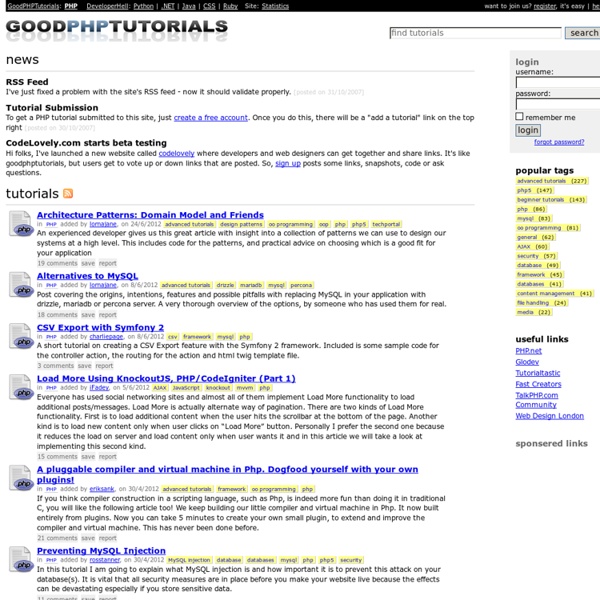
http://www.goodphptutorials.com/
70 Tutorials Using Photoshop To Design A Website This article features a huge amount of Photoshop web design tutorials, which will teach you simple effects which can be combined together in order to create a great website design. Theses tutorials are perfect for first time Photoshop users because there short and sweet. I hope you enjoy the article and feel free to leave a comment below. 1) Carbon Fiber Layout
Ten PHP Best Practices Tips that will get you a job Posted by blake on Jun 4, 2008 in Code, Performance, PHP | 167 comments The last couple of weeks have been quite the experience for me. I was part of a big layoff at my former company, which was interesting. I've never been in that position before, and it's hard not to take it personally. I started watching the job boards, and a nice-looking full-time PHP position caught my eye, so I sent out a resume and landed an interview. Before the face-to-face portion, I chatted with the owner and head programmer on a conference call, and they ended up sending me a technical assessment quiz. 40+ Must-Bookmark PHP Classes & Libraries For Developing Faster PHP, being the most popular scripting language, has lots of documentation, tutorials and resources about itself. And, as a feature-rich language, it is possible to accomplish many tasks by default from handling e-mails to images, PDFs to database connections, etc. However, there are high-quality and free PHP classes and libraries which helps you get more like: good looking chartsform validationparsing feedsbetter image or database handlingand more. Here is a collection 40+ totally free PHP classes and libraries that every PHP developer would love to bookmark: Content
Improve website load time by 500% with 3 lines of code Major New Update - PHP SPEEDY: latest version available here There are 4 relatively easy ways by which you can speed up the time it takes a browser to download a page: Make fewer HTTP requestsAdd a far-future expires headerGzip your page's componentsMinify your JavaScript, CSS and HTML Following on from my post on joining CSS and JavaScript files, I have written a PHP script which will automatically do all of the above. 20 Mind-Boggling Parallax Website Design And How To Make One There hasn’t been a design style that has captured the web’s creative community like that of parallax website design in ages, which, in non industry terms, is about a few months. You might be wondering what parallax website design is, I don’t believe I have ever heard of this. Well actually you have heard it, and seen its use for some time now. Before going into showcasing some really well designed websites utilizing parallax design, let’s take some time to examine and explain what it is.
OBJECT ORIENTED PHP TUTORIAL FOR BEGINNERS Preamble The hardest thing to learn (and teach btw,) in object oriented PHP is the basics. But once you understand them, the rest will come much, much easier. But don’t be discouraged! You just found the easiest to understand tutorial out there on OOP and PHP. It may sound like a boastful claim, I know, but that’s what the nerd zeitgeist is saying. How to Create Your First Web Page Note: If you know anything at all about HTML and CSS, don’t bother reading this, it’s a guide for the uninitiated, technophobes, luddites, computer-illiterates, anyone who is more comfortable with a pen and paper than a keyboard and mouse. If making a web page seems like brain surgery to you, then this is the article for you. What you need to know The only prior knowledge I will assume is that you’ve used a computer before, you’re familiar with using a keyboard and a word processor, and you’ve at least seen a website.
PHPBuilder.com, the best resource for PHP tutorials, templates, PHP manuals, content management systems, scripts, classes and more. I wish I had known these 10 tips the day I started working with PHP. Instead of learning them through painstaking process, I could have been on my way to becoming a PHP programmer even sooner! This article is presented in two parts and is intended for folks who are new to PHP. Tip 1: MySQL Connection Class The majority of web applications I've worked with over the past year have used some variation of this connection class:
PHP Security Guide Create daemons in PHP Everyone knows PHP can be used to create websites. But it can also be used to create desktop applications and commandline tools. And now with a class called System_Daemon, you can even create daemons using nothing but PHP. Emmet Documentation PHP for Beginners: Building Your First Simple CMS The Magic of PHP + MySQL It’s safe to say that nearly every website that’s up-to-date these days is using some form of content management system (CMS). While there are a ton of great free options that provide us with a CMS to power a website (WordPress, Drupal, etc.), it doesn’t hurt to peek under the hood and get a feel for how these systems work. To get our feet wet as back-end developers, we’ll be creating a simple PHP class that will: Create a databaseConnect to a databaseDisplay a form with two fieldsSave the form data in the databaseDisplay the saved data from the database Download Files
Easy PHP Blackhole Trap with WHOIS Lookup for Bad Bots One of my favorite security measures here at Perishable Press is the site’s virtual Blackhole trap for bad bots. The concept is simple: include a hidden link to a robots.txt-forbidden directory somewhere on your pages. Bots that ignore or disobey your robots rules will crawl the link and fall into the trap, which then performs a WHOIS Lookup and records the event in the blackhole data file. Once added to the blacklist data file, bad bots immediately are denied access to your site.