
Cathy Moore - ideas for instructional design and elearning. Instructional design for scenarios: sample and useful tool. Branching scenarios can be a pain to design.
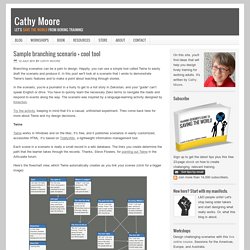
Happily, you can use a simple tool called Twine to easily draft the scenario and produce it. In this post we’ll look at a scenario that I wrote to demonstrate Twine’s basic features and to make a point about teaching through stories. In the scenario, you’re a journalist in a hurry to get to a hot story in Zekostan, and your “guide” can’t speak English or drive. You have to quickly learn the necessary Zeko terms to navigate the roads and respond to events along the way. Twine: a tool for creating interactive stories. TiddlyWiki - a reusable non-linear personal web notebook. Elearning example: Branching scenario. You’re a US Army sergeant in Afghanistan.
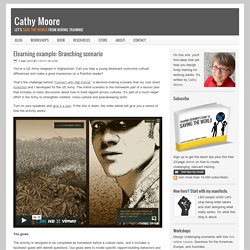
Can you help a young lieutenant overcome cultural differences and make a good impression on a Pashtun leader? That’s the challenge behind “Connect with Haji Kamal,” a decision-making scenario that my cool client Kinection and I developed for the US Army. Haji-flow-simplified. Dump_drone.