
RichFaces - Open Source Rich JSF Components. Welcome to the RichFaces 3.3 demo!
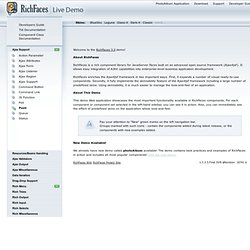
About RichFaces RichFaces is a rich component library for JavaServer Faces built on an advanced open source framework (Ajax4jsf). It allows easy integration of AJAX capabilities into enterprise-level business application development. RichFaces enriches the Ajax4jsf framework in two important ways. First, it expands a number of visual ready-to-use components. Try ruby! (in your browser) Woopra. Code: Texter (Windows)