
The Xen Project, the powerful open source industry standard for virtualization. Organize Anything, Together. TeamViewer. SpaceSniffer. SpaceSniffer is a freeWare (donations are welcome) and portable tool application that lets you understand how folders and files are structured on your disks.
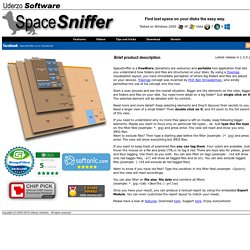
By using a Treemap visualization layout, you have immediate perception of where big folders and files are placed on your devices. Treemap concept was invented by Prof. Ben Shneiderman, who kindly permitted the use of his concept into this tool. Start a scan process and see the overall situation. Bigger are the elements on the view, bigger are folders and files on your disk.
Task Manager. Control Your Computer Zoom Do you want to know which processes are really running on your computer?
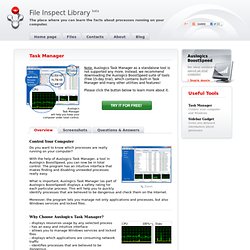
With the help of Auslogics Task Manager, a tool in Auslogics BoostSpeed, you can now be in total control. Autoruns. Introduction This utility, which has the most comprehensive knowledge of auto-starting locations of any startup monitor, shows you what programs are configured to run during system bootup or login, and when you start various built-in Windows applications like Internet Explorer, Explorer and media players.
These programs and drivers include ones in your startup folder, Run, RunOnce, and other Registry keys. Autoruns reports Explorer shell extensions, toolbars, browser helper objects, Winlogon notifications, auto-start services, and much more. ImgBurn.