
Flags: very useful when debugging with... There is a very nice feature in Instruments that helps you to point your loupe to a very precise spot in your code.

I am writing an app that process images captured by the camera in real-time. I am using GCD to launch different queues both in asynchronous and synchrous mode and when it is time to debug, it’s a mess. Most of the time I need to know extactly what is doing what and where something is executing. Using the breakpoints interrupting the execution and analyze the status of your variable, it is not always useful in a multi-threaded environment, because you alter the real flow of your application. iPhoneUnitTesting - google-toolbox-for-mac - How to do iPhone un. For a long time, Apple didn't provide a way to do iOS unit testing, so Google Toolbox For Mac helped fill that gap by providing all the support to write tests with SenTest just like you could for OS X.
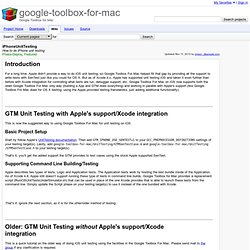
But as of Xcode 4.x, Apple has supported unit testing iOS and taken it even further than before with Xcode integration for controlling what tests are run, debugger support, etc. Google Toolbox For Mac on iOS now supports both the older Google Toolbox For Mac only way (building a App and GTM does everything) and working in parallel with Apple's support (like Google Toolbox For Mac does for OS X testing; using the Apple provided testing frameworks, just adding additional functionality). iPhone Dev Center: iPhone Development Guide: Unit Testing Applic. XCode and iPhone Compiler Warning. What does the -all_load linker flag does.