
Vivaldi. Sleipnir. The page title is shown when the cursor is aligned and when switching tabs.
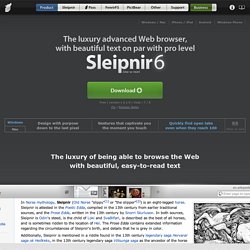
It has been designed so that the page title can be checked at the most necessary timing. You can modify the address by clicking it. All the necessary functions are included. The list of candidates have been designed so that you can quickly arrive at the page you want to open. The sites you want to open appears compact, easy to view, and easy to select. Konqueror - KDE/Linux. Epiphany - Gnome/Linux. Internet Explorer.
Chrome. ChromePlus. Torch. Safari. OmniWeb. Visual tabs Most browsers have tabs, but OmniWeb builds on the idea of viewing multiple web pages in a single window by offering thumbnails. When you create a new tab in your tab drawer, a thumbnail graphic allows you to easily identify the page. Camino. iCab. Opera. Currency conversion while you shop With a currency converter built right into the browser, Opera helps you shop online around the world without any nasty surprises on your credit card bill.
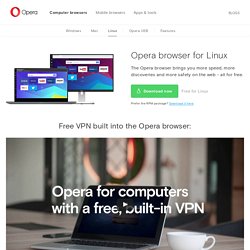
Personalize your browser Over 1,000 extensions make it easy to customize Opera. Download the extensions and themes you like from Opera’s add-ons catalog to get the best browser experience with a personal touch. With the animated themes, you can even bring Opera’s start page to life. Maxthon. Lunascape.