
Adding Your Own Users - TomatoUSB. Adding Your Own Users Tomato does not include the standard Linux programs for adding users and groups.
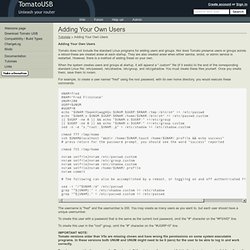
Nor does Tomato preserve users or groups across a reboot-these are created anew at each startup. They are also created anew when either samba, smbd, or admin service is restarted. SSH Host key. Then would you like to clarify WHAT fingerprint exactly we ARE verifying?
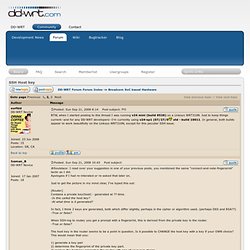
Soulstace is wrong: 1. I did not say 'reproduce the host key'. Disable root login and use of denyhosts on dropbear. I solved my problem.
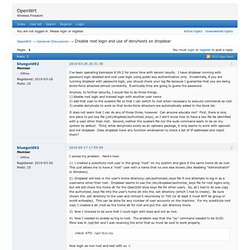
Here's how: 1) I created a substitute root user in the group "root" on my system and gave it the same home dir as root. This just allows me to have a "root" user with a name that no one else knows (like disabling "Administrator" in Windows). 2) Dropbear will look in the user's home directory/.ssh/authorized_keys file if one attempts to log in as a username other than root. Dropbear seems to use the /etc/dropbear/authorize_keys file for root logins only, but will still check the home dir for the OpenSSH style keys file for other users.