
Creating Icons. Text and images Copyright (C) 2002 Jakub Steiner and may not be used without permission of the author.
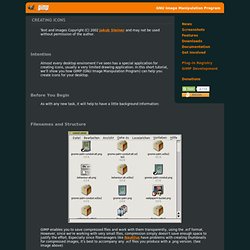
Intention Almost every desktop enviroment I've seen has a special application for creating icons, usually a very limited drawing application. In this short tutorial, we'll show you how GIMP (GNU Image Manipulation Program) can help you create icons for your desktop. Before You Begin. How to Make a Folder Icon. Removing an object on a photo with GIMP. Tutorial to remove objects (or people) and restore the portion of the background they hide in a photo with the Resynthesizer plugin.
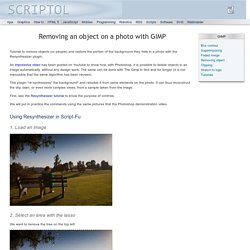
An impressive video has been posted on Youtube to show how, with Photoshop, it is possible to delete objects in an image automatically, without any design work. The same can be done with The Gimp in fact and for longer (it is not impossible that the same algorithm has been reused). This plugin "re-synthesizes" the background" and rebuilds it from same elements on the photo. GIMP Tutorials.