
Blender / Forum: 3D Design => Blender, facets, and STL imports. @aeron203, This looks like exactly what I want, but....

I'm unable to reproduce your steps. Metric and Imperial units in Blender 3D. Although the measurement of distance in virtual space can be considered arbitrary, the same is not generally said of the 'real world where buildings, products and material objects are constructed, manufactured or made using one or the other of the two major units of measurement, 'Metric' or 'Imperial'.
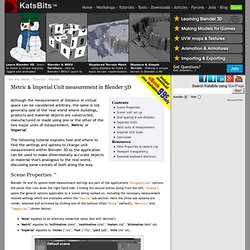
The following tutorial explains how and where to find the settings and options to change unit measurement within Blender 3D so the application can be used to make dimensionally accurate objects or material that's analogous to the real world, discussing some caveats of both along the way. Scene Properties ^ Blender 3D and its system-wide measurement settings are part of the applications "Properties" options, the panel that runs down the right hand side. Tutorial: Four corner pin tracking with Blender. Creating a 3D Ring Band.