
How to Find Stored Passwords on a Computer. There are a large number of websites and programs that prompt end users to save passwords on their personal computer(s).
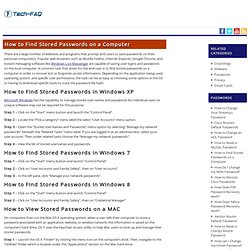
Popular web browsers such as Mozilla Firefox, Internet Explorer, Google Chrome, and instant messaging software like Windows Live Messenger are capable of saving user logins and passwords on the local computer. A common task that arises for the end-user is to find stored passwords on a computer in order to recover lost or forgotten access information. Depending on the application being used, operating system, and specific user permissions, the task can be as easy as choosing some options in the OS or having to download specific tools to crack the password file hash. How to Find Stored Passwords in Windows XP Microsoft Windows has the capability to manage stored user names and passwords for individual users so unique software may not be required for this purpose.
Ophcrack. Retrieve and Recover Facebook Password and Username from Any Computer. Creating KEYGEN for Crackme Code. Download - www.SecurityXploded.com. 7 Free Windows Password Recovery Tools. Trinity Rescue Kit needs to be booted from a disc or USB stick to work.
It includes many different tools, one of which is for password recovery. You can use Trinity Rescue Kit to clear a password entirely, making it blank, or to set a custom one. Some of you may find this program difficult to use because there isn't a graphical interface. However, even if you're not used to a command line interface, most of the required keystrokes are just numbers for choosing different options for resetting a password.