
Tweak. Shortcuts. Google Search Tips. Here's a small list of tips that may help you use Google search better. 1.
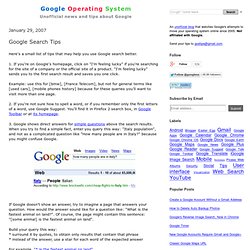
If you're on Google's homepage, click on "I'm feeling lucky" if you're searching for the site of a company or the official site of a product. 20 Useful OS X Tips. Because we are all different, operating system developers always put more than one way of doing things in their systems.
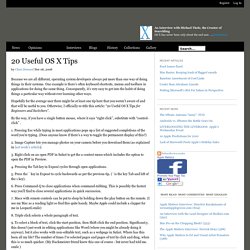
One example is there’s often keyboard shortcuts, menus and toolbars in applications for doing the same thing. Consequently, it’s very easy to get into the habit of doing things a particular way without ever learning other ways. Hopefully for the average user there might be at least one tip here that you weren’t aware of and that will be useful to you. Otherwise, I officially re-title this article: “20 Useful OS X Tips for Beginners and Switchers”. KDE Wiki.