
How to Create an RSS Feed: 6 steps (with pictures) Edit Article Edited by SuperSaiyan94, Rena Danae Smith, Flickety, Zareen and 34 others Using RSS Creation SoftwareWriting Your Own FeedSample XML File If you want to increase the readership on your website, or you want to make it big with a podcast, you need an RSS feed.
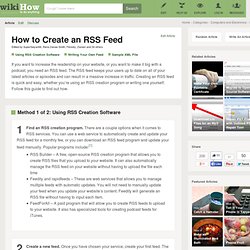
The RSS feed keeps your users up to date on all of your latest articles or episodes and can result in a massive increase in traffic. What Does Syndicate This Site Mean? A link that says Syndicate this site, RSS, or XML means that the headlines, a link, and an entry description for each new weblog entry are made available for others to use on their websites or to access through a newsfeed reader program.
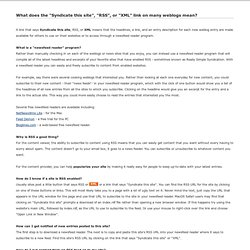
What is a "newsfeed reader" program? Rather than manually checking in on each of the weblogs or news sites that you enjoy, you can instead use a newsfeed reader program that will compile all of the latest headlines and excerpts of your favorite sites that have enabled RSS - sometimes known as Really Simple Syndication. With a newsfeed reader you can easily and freely subscribe to content from enabled websites.
For example, say there were several cooking weblogs that interested you. The Best RSS Reader Apps (Android & iOS) What Is RSS? RSS Explained. Top 10 Feed & RSS Technologies of 2011. News and activity feeds are more alive today than ever before, even as engagement with their simplest format, Really Simple Syndication (RSS), appears to be waning.
What were the Top 10 Most Awesome RSS & Feed Products of 2011? We offer our list below.