
Alphabetical Command List for AutoHotkey. List of Keys and Mouse/Joystick Buttons for Hotkeys and Macros. Mouse (mouse hotkeys require Windows NT/2000/XP or later) LButton - the left mouse button RButton - the right mouse button MButton - the middle or wheel mouse button WheelDown - this is equivalent to rotating the mouse wheel down (toward you) WheelUp - the opposite of the above WheelLeft and WheelRight [v1.0.48+] - these two require a mouse with left/right scrolling capability, but they have no effect on operating systems older than Windows Vista.
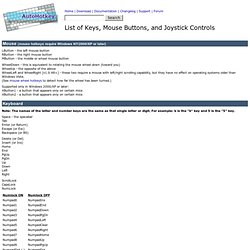
(See mouse wheel hotkeys to detect how far the wheel has been turned.) Supported only in Windows 2000/XP or later: XButton1 - a button that appears only on certain mice XButton2 - a button that appears only on certain mice Keyboard. Functions. Table of Contents Introduction and Simple Examples A function is similar to a subroutine (Gosub) except that it can accept parameters (inputs) from its caller.

In addition, a function may optionally return a value to its caller. Consider the following simple function that accepts two numbers and returns their sum: Add(x, y) { return x + y ; "Return" expects an expression. }