Template Development. Joomla! Documentation. Creating a basic Joomla! template. It has been suggested that this article or section be split into specific version Namespaces. (Discuss). If version split is not obvious, please allow split request to remain for 1 week pending discussions. Proposed since 10 months ago. Introduction The purpose of this tutorial is to serve as an introduction to creating Joomla! Setting up a directory structure To make the most basic template, create a new folder in the templates folder. Using your favourite text editor create the files index.php and templateDetails.xml. Although it is fine to place all your CSS code directly in your index.php file to start, many web developers prefer to place their CSS code in a separate file that can be linked from multiple pages using the link tag.
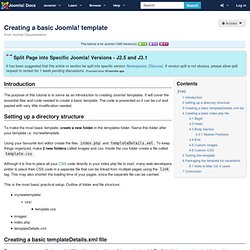
This is the most basic practical setup. Mynewtemplate/ css/ template.css images/ index.php templateDetails.xml Creating a basic templateDetails.xml file The templateDetails.xml file is essential. The syntax of the file is different for each Joomla version. Free Joomla Templates by SiteGround (Joomla 3 templates too)