
Displays. S musing on technology: Controlling an AD9851 DDS with an Arduino. Been playing with the AD9851 DDS for a while now using other people's software mostly written in assembly language that I find rather hard to get my head around.
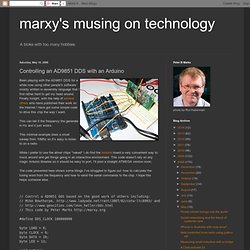
Finally tonight, with the help of severalothers who have published their work on the internet I have got some simple code to drive this chip the way I want. This can tell it the frequency the generate in Hz and it just works. Arduino Shield List. Arduino meets processing - PUSHBUTTON. The Arduino meets Processing project intends to make it as easy as possible for anyone to explore the world of physical computing.
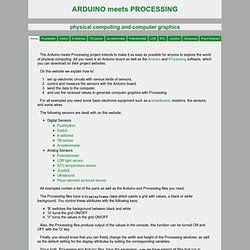
All you need is an Arduino board as well as the Arduino and Processing software, which you can download on their project websites. On this website we explain how to: set up electronic circuits with various kinds of sensors, control and measure the sensors with the Arduino board, send the data to the computer, and use the received values to generate computer graphics with Processing. For all examples you need some basic electronic equipment such as a breadboard, resistors, the sensors, and some wires. Download Arduino CNC Mill/Laser Cutter/Extruder software for free.